Running on macOS
Running "Obriy" on macOS (Apple Silicon)#
Warning
The company does not provide technical support for macOS. Running the software and resolving related issues is done at your own risk.
Environment#
- macOS on Apple Silicon (M-series processor)
- Whisky (tested with version 2.3.5)
- Obriy Windows executable (
.exe)
1. Installing and Preparing Whisky#
Install and launch Whisky.
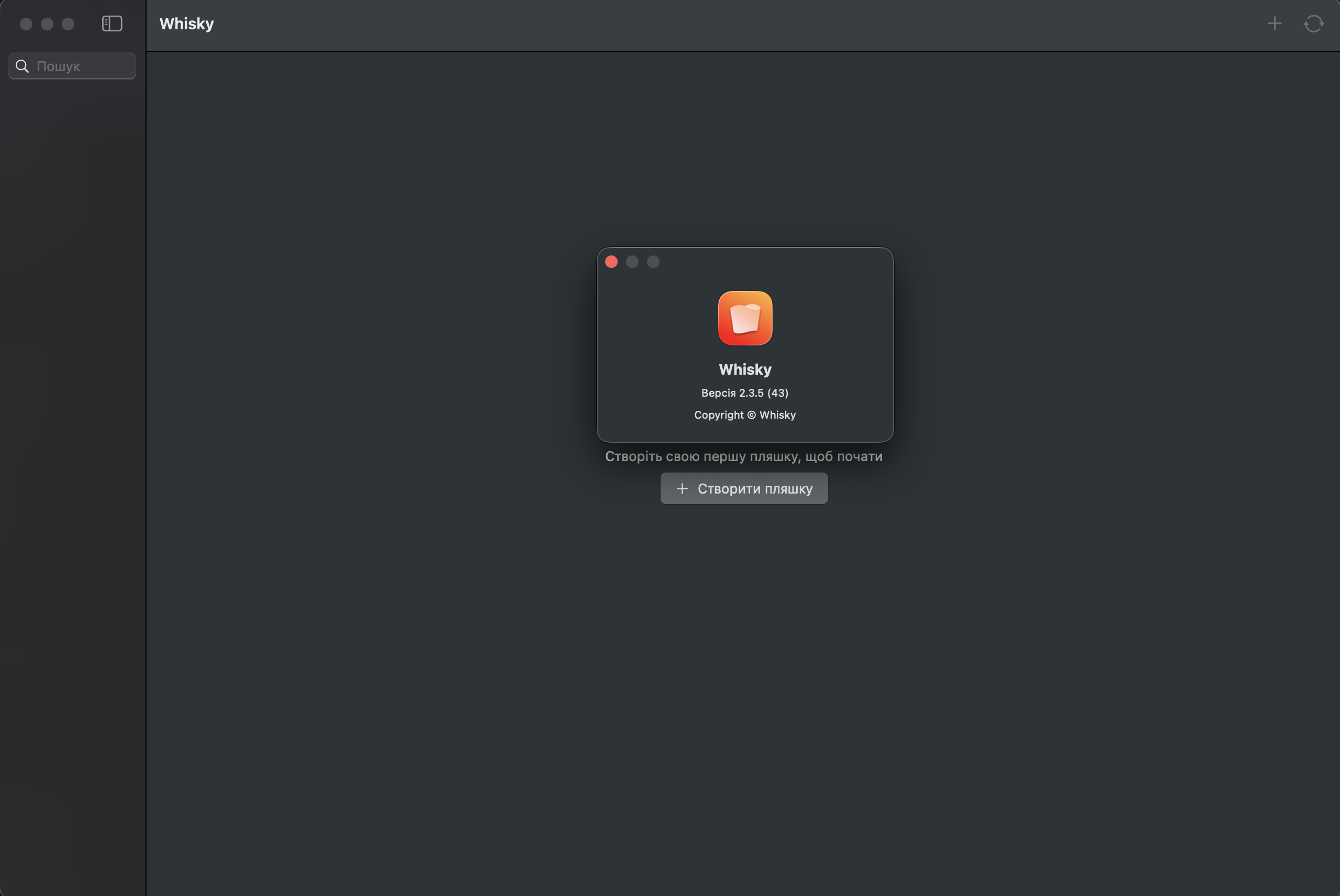
Create a new Bottle.
Each Bottle represents an isolated Windows environment.
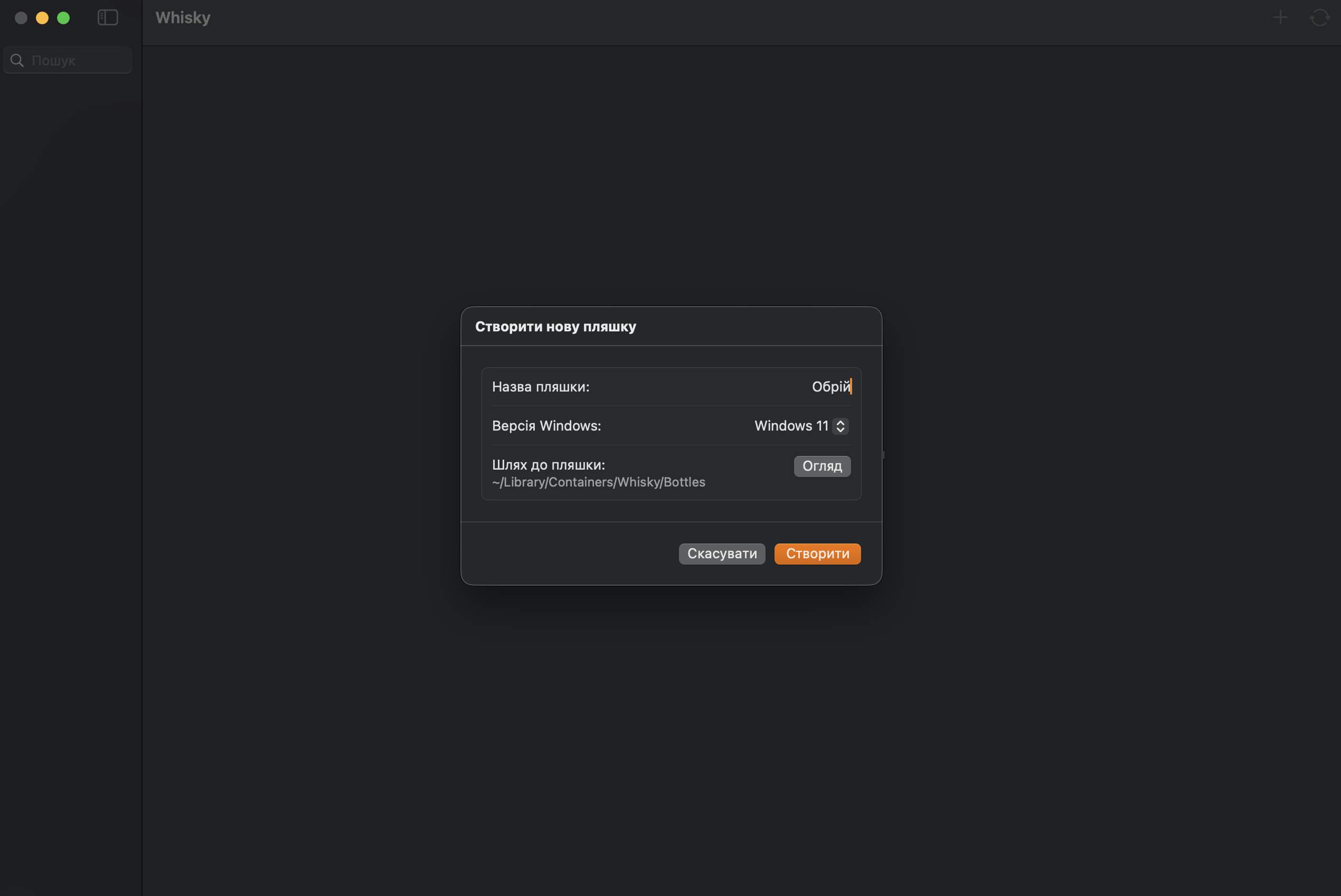
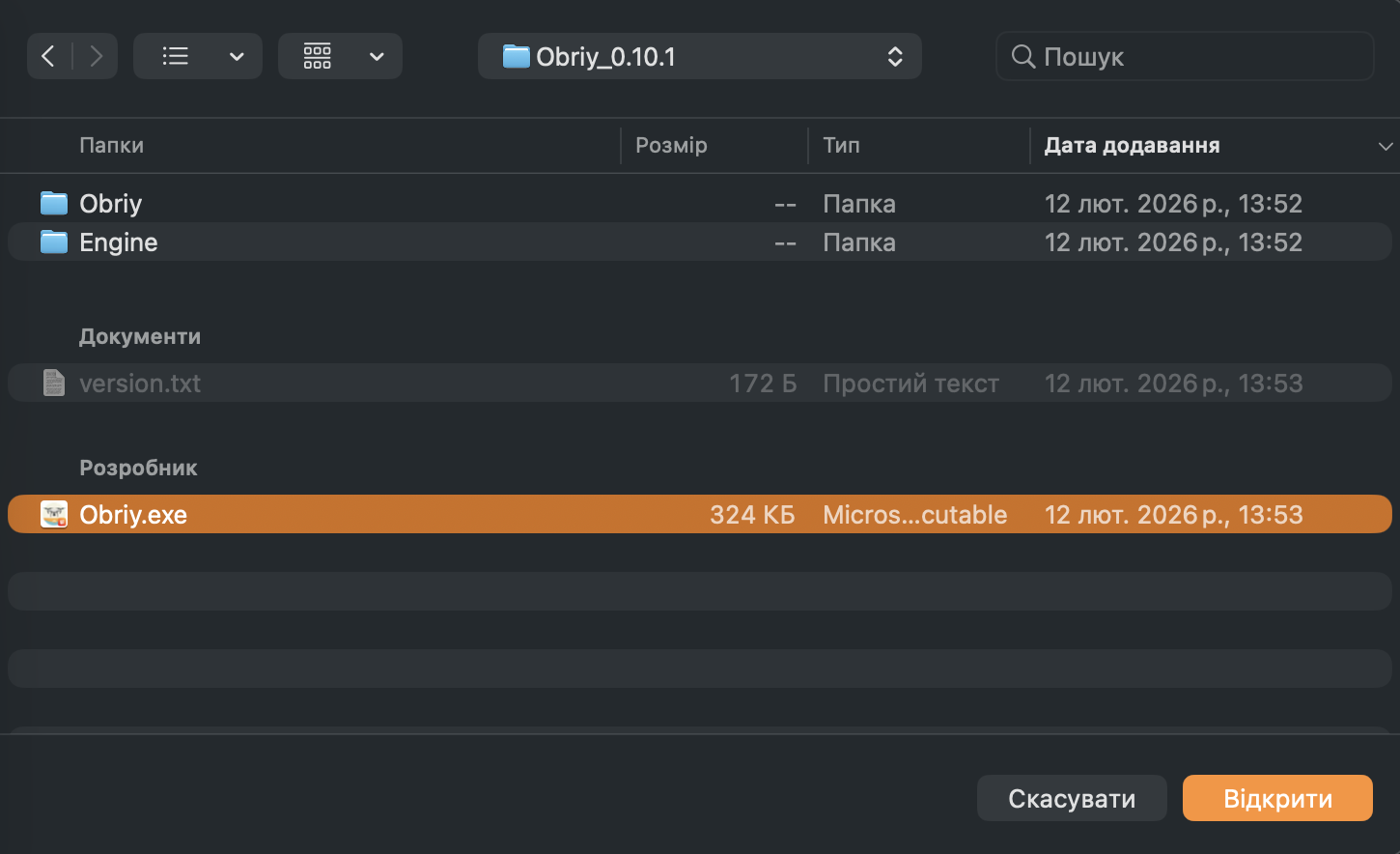
During Bottle creation:
- Select the path to the Obriy executable (
.exe). - Whisky may prompt you to install required dependencies.
- Approve installation of all suggested components.
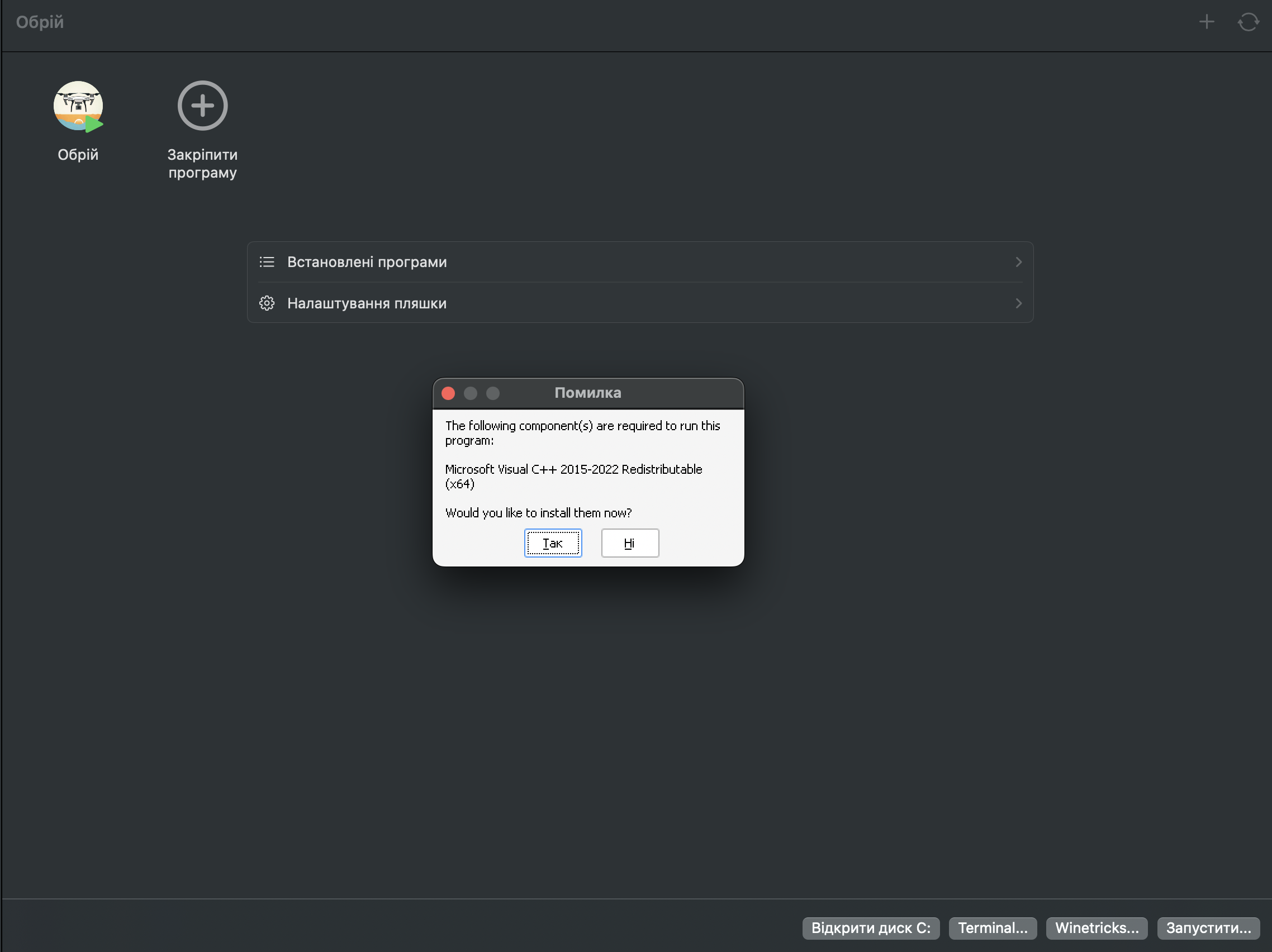
Whisky will install necessary runtime libraries (such as Visual C++ Redistributables or DirectX components), if required.
2. Activating the License#
After launching Obriy, a license activation form will appear.
Enter your license key.
Important
Each Whisky Bottle is an isolated Windows environment.
The license key is bound to the specific Bottle where it was activated.
If you create another Bottle (even on the same Mac), the license must be activated again.
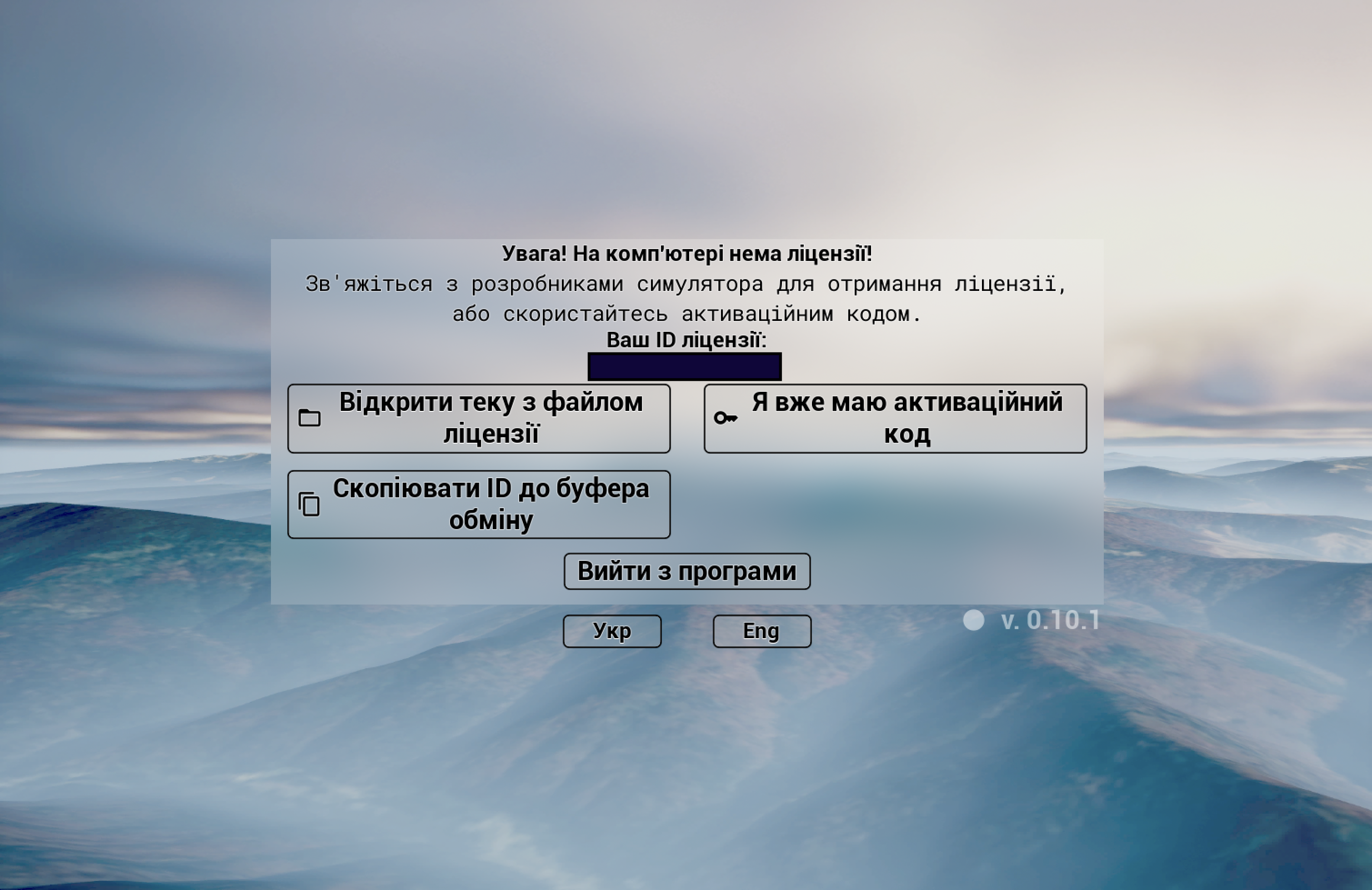
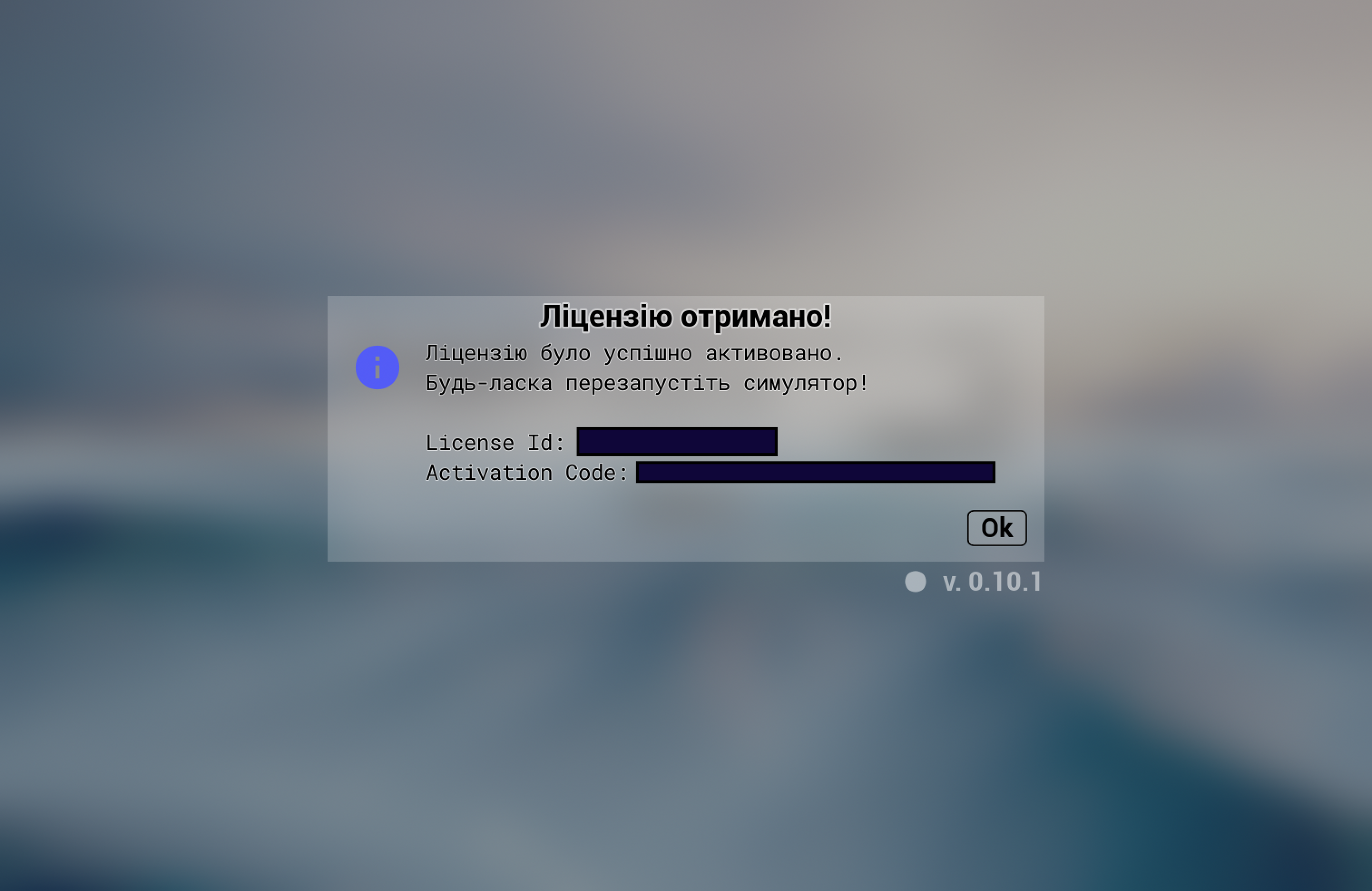
After successful activation, a confirmation message will be displayed.
3. Controller Configuration#
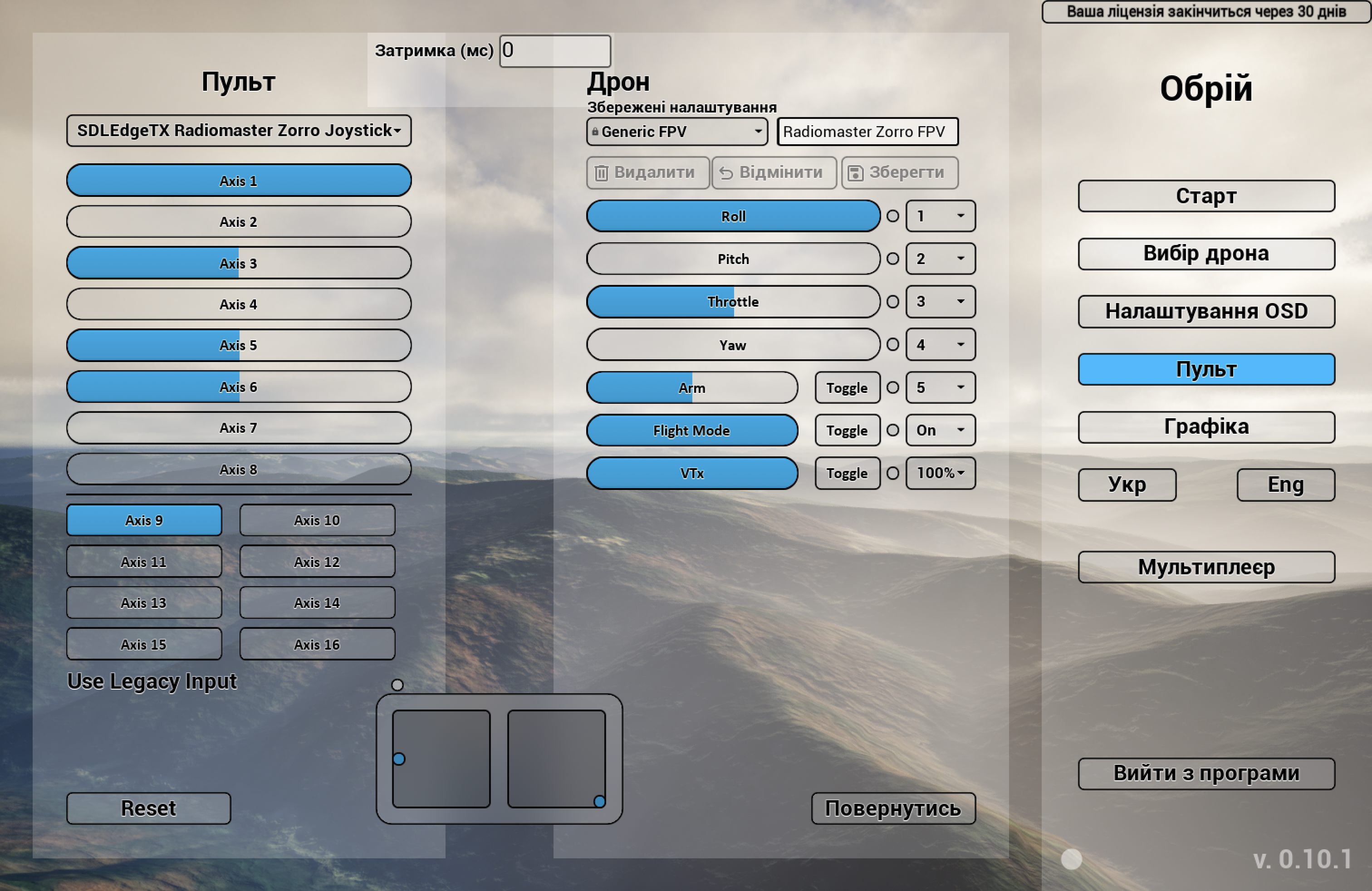
After activation, open the controller settings inside Obriy.
Note
Full controller calibration is currently not supported.
Tested Controllers#
-
Radiomaster Zorro
Not suitable in the Whisky + Obriy configuration.
The controller requires calibration; all axes are detected in the range[-0.5, +0.5], making it unusable. -
Sony DualSense
Works correctly. -
Logitech F310
Works correctly.
4. Known Limitations#
- Each Bottle is a separate emulated Windows system (registry, drivers, device stack).
- HID device handling through Wine/Whisky has limitations.
- Advanced calibration for RC transmitters is currently unavailable.
- For mission-critical use or precise controller input, a native Windows installation is recommended.