Obriy
Obriy UAV Mission Simulator#
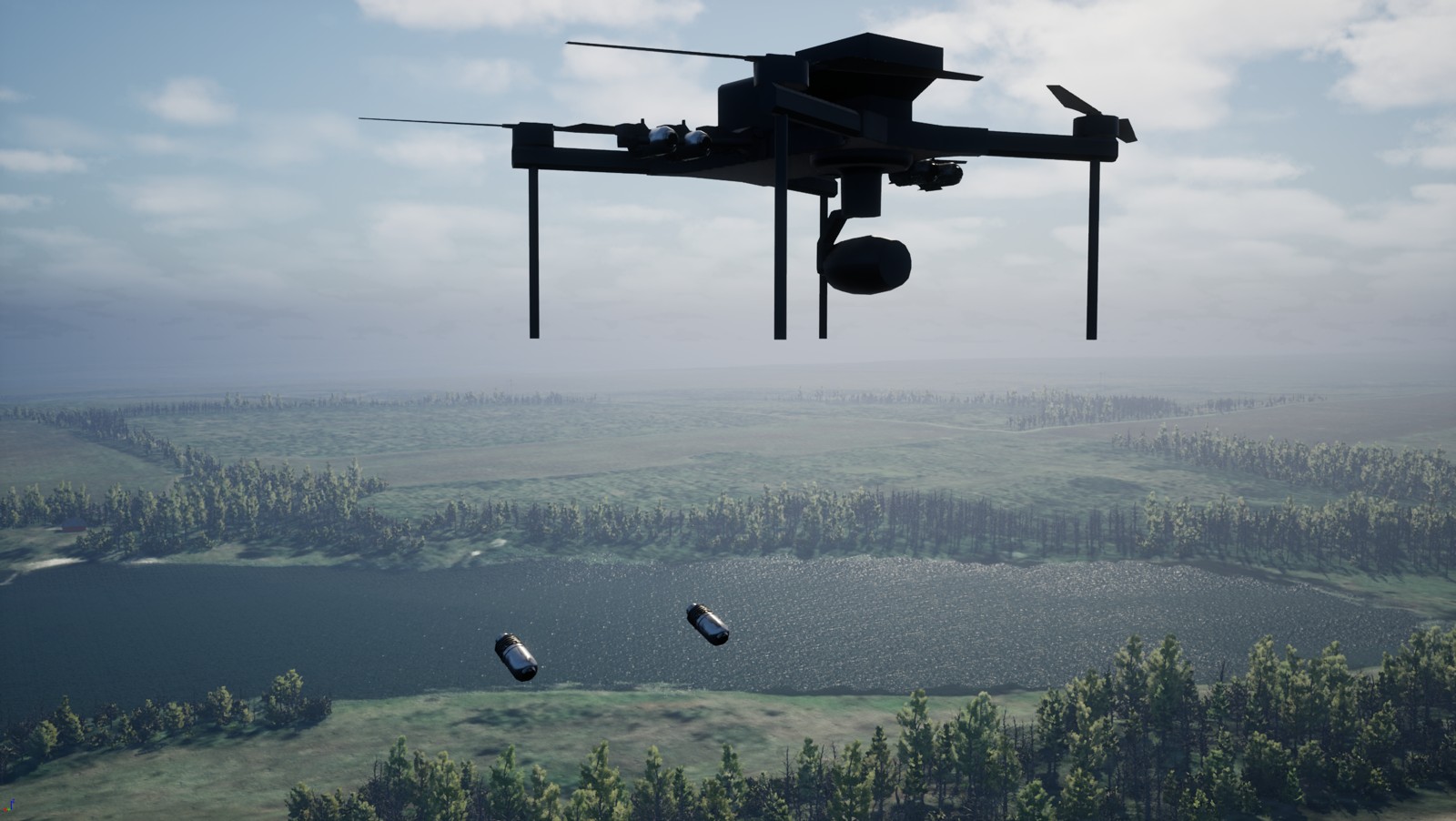
The Obriy UAV Mission Simulator is a tactical multirotor drone simulator based on the Ukrainian military's experience and practical use of combat UAVs. It is designed for use in training centers, self-study, and combat operation planning.
Note
The simulator is distributed free of charge to military personnel. You can contact the developers via Signal or through the obriy.airforce website.
-
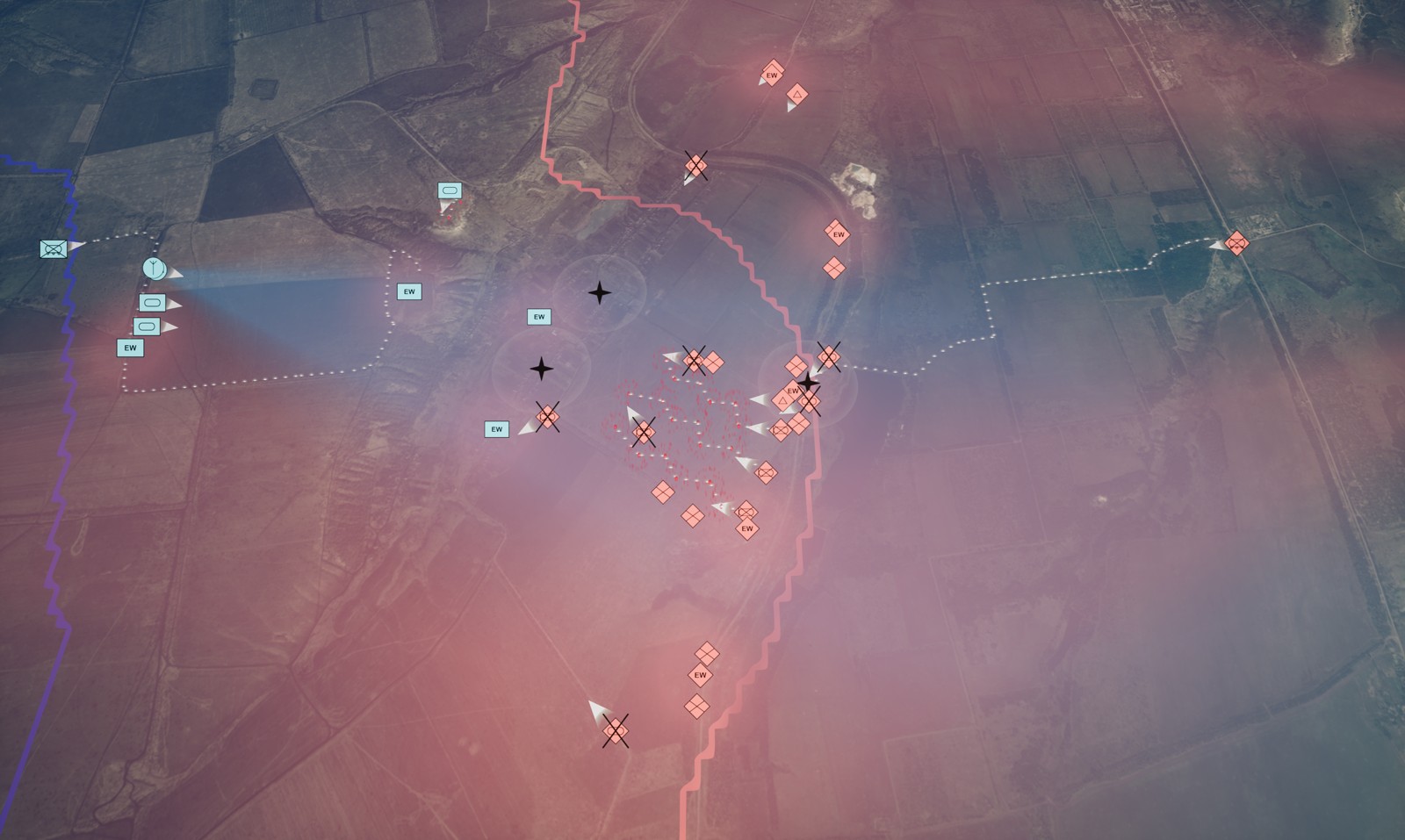
Simulation of over 50,000 km² of combat zones based on maps and satellite imagery.
-
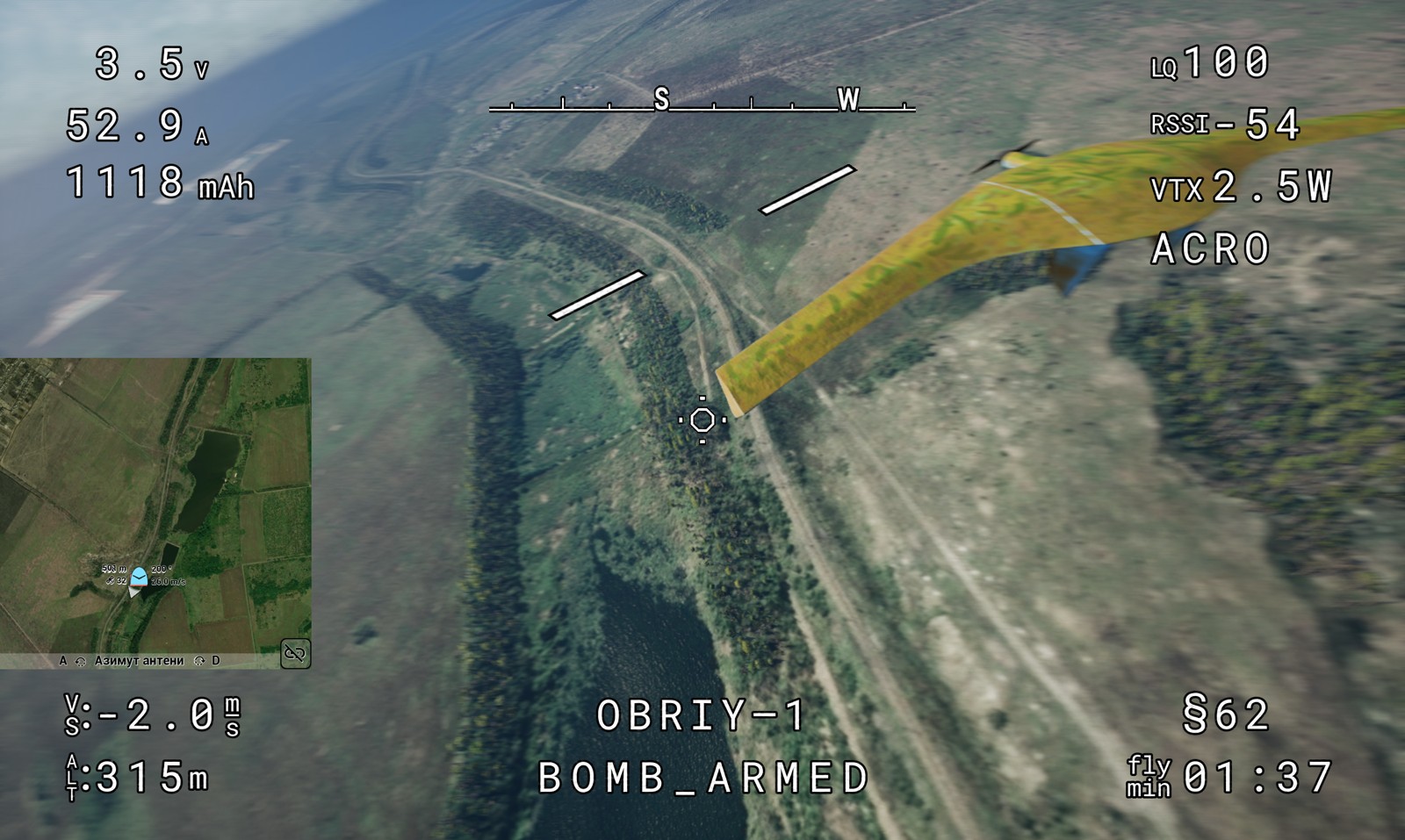
Drone flight physics with consideration of payload, wind, turbulence, and battery charge.
-
Simulation of radio communication, control channels, video, satellite connection, and electronic warfare effects.
-
Tools for simulating combat, teaching tactics, and creating strike and reconnaissance missions.
-
More than a dozen types of munitions, 4 types of fuses, bomb drops.
-
Air-to-air missions against enemy drones, tools for situational awareness.
Licensing#
Access to the simulator is granted through activation codes, which are time-limited and require periodic renewal.
The simulator is provided free of charge to Ukrainian military personnel, with identity verification through several possible methods.
Ukrainian training centers can receive the simulator based on a contract.
Legal entities can obtain the simulator on a commercial basis.
The simulator is currently not being distributed among civilians.
You can contact the developers via the obriy.airforce website
System Requirements#
Obriy runs on Windows 10 and Windows 11. Other operating systems are not officially supported.
Note
On macOS, Obriy has been launched successfully on ARM processors through Crossover.
On Linux, it may work via Proton, though controller compatibility issues have been reported.
We do not officially support those configurations.
Controller Requirements#
The controller must connect to the computer via USB.
The following work:
- XInput gamepads (most controllers sold for Windows)
- Controllers running EdgeTX or OpenTX firmware
Recommended Configurations#
All three configurations below run on Windows 10 or Windows 11: two for regular use, and one for running Obriy in SITL mode.
- Minimum comfortable configuration*:
- Graphics card: Nvidia RTX 3050 with 6 GB of VRAM
- RAM: 16 GB
- Processor: Intel Core i5 or AMD Ryzen 5, 8 cores, 2.5 GHz or higher
- Recommended training configuration:
- Graphics card: Nvidia RTX 3060 or 4060 with 8 GB of VRAM
- RAM: 16–24 GB
- Processor: Intel Core i5/i7 or AMD Ryzen 5/7, 12 cores, 2.8 GHz or higher
- Configuration for SITL mode:
- Graphics card: Nvidia RTX 3070 or 4070 with 8–12 GB of VRAM
- RAM: 32 GB
- Processor: Intel Core i7 or AMD Ryzen 7/9, 16 cores, 2.8 GHz or higher
* These requirements apply to the current version of Obriy and may change in future versions.
Warning
When using a laptop, connect it to a power source. Otherwise, it will conserve resources and limit the simulator's performance. Sometimes, the laptop battery may not be able to provide the required power, which can cause errors during launch and flight.
Main Simulator Modes#
- Strike FPV Drone
- Strikes against a ground target in kamikaze mode
- FPV bomb drops
- Air-to-air
- Drone with Stabilized Camera
- Aerial reconnaissance
- Artillery adjustment
- Bombing